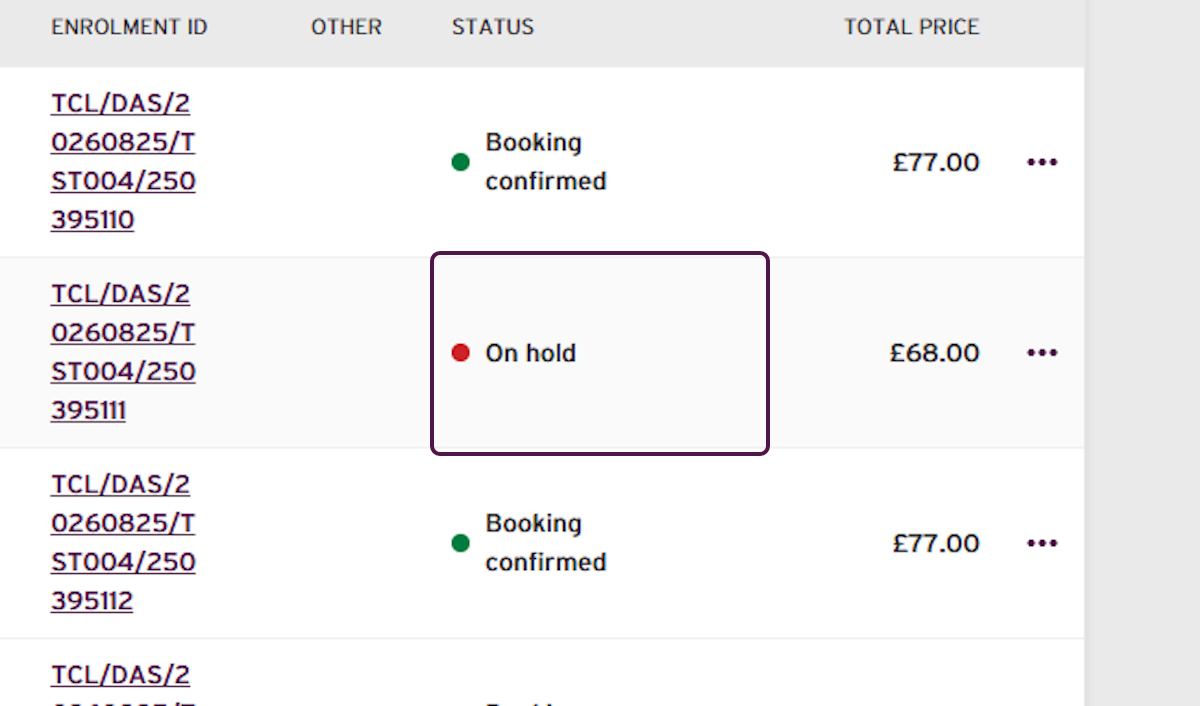
Changing the exam grade creates a linked replacement booking and enrolment. The original enrolment will be placed On hold until the additional payment is completed.
Steps
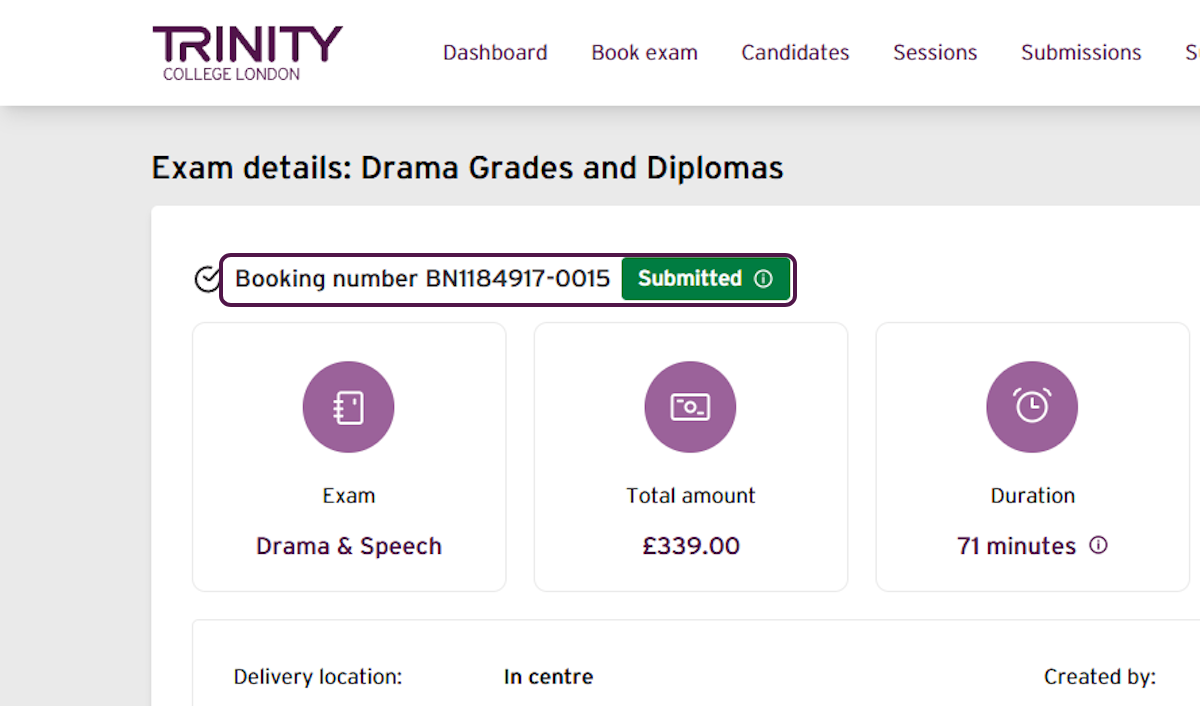
- Select the booking number for the paid booking you want to update.
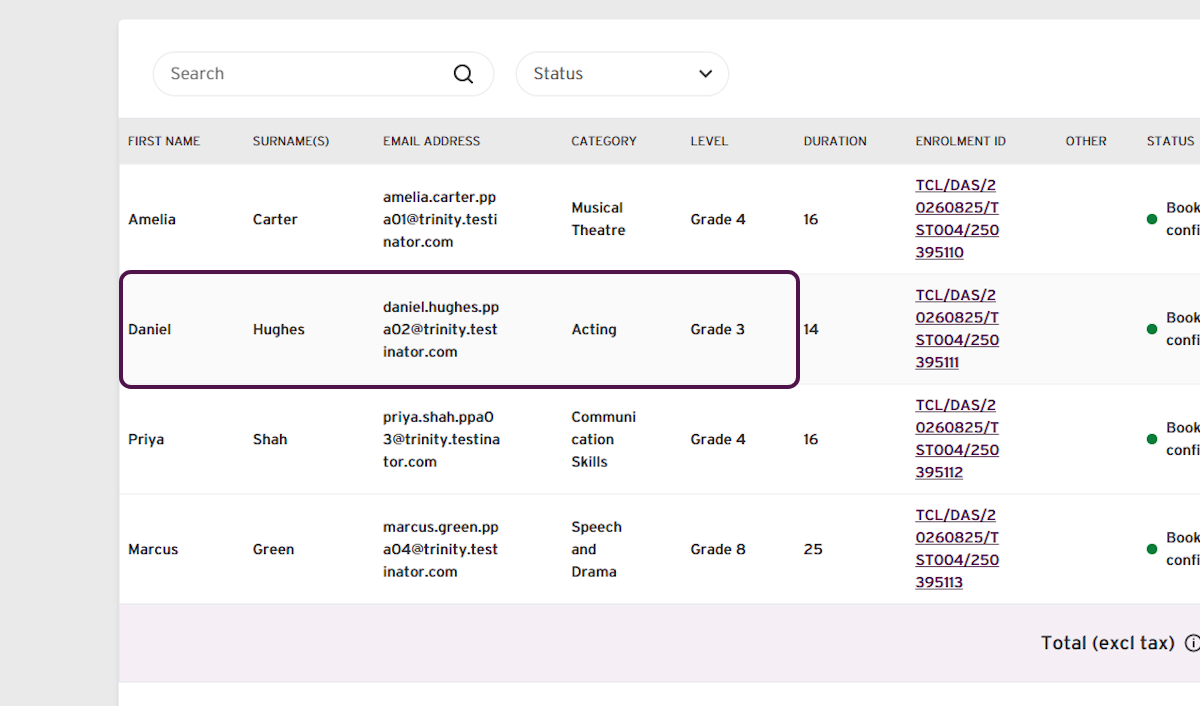
- In the enrolments list, find the individual candidate.
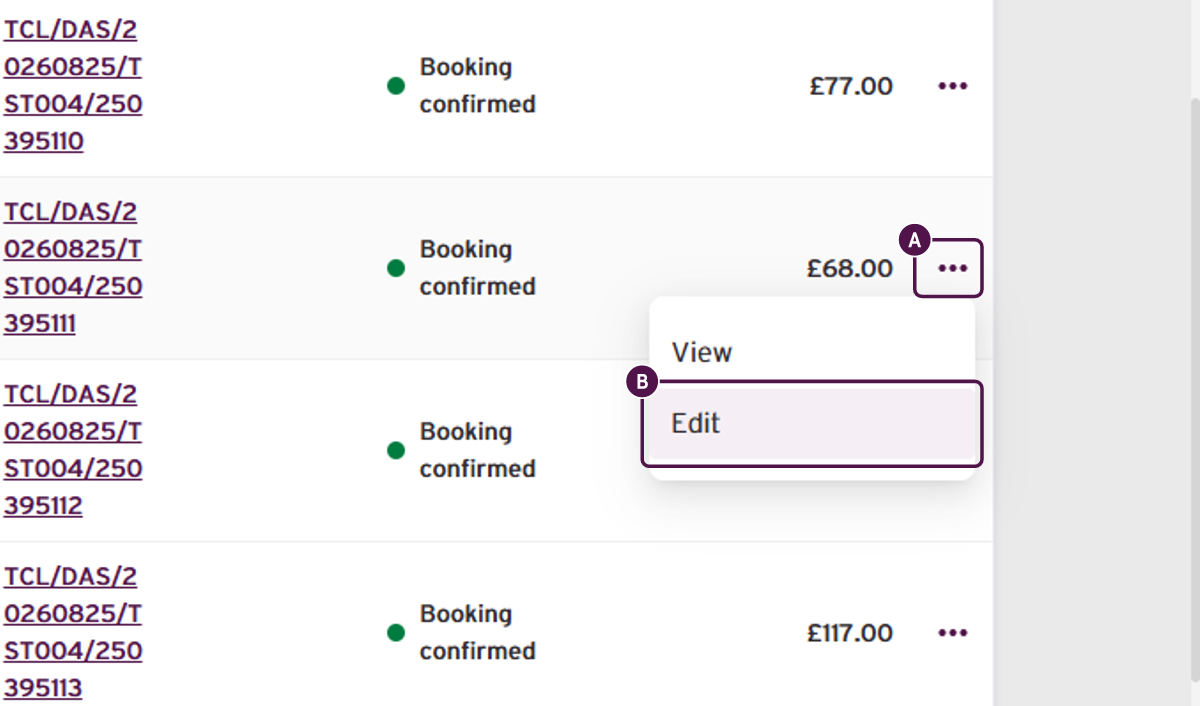
- Select the three-dot menu beside the candidate's enrolment, then select Edit.
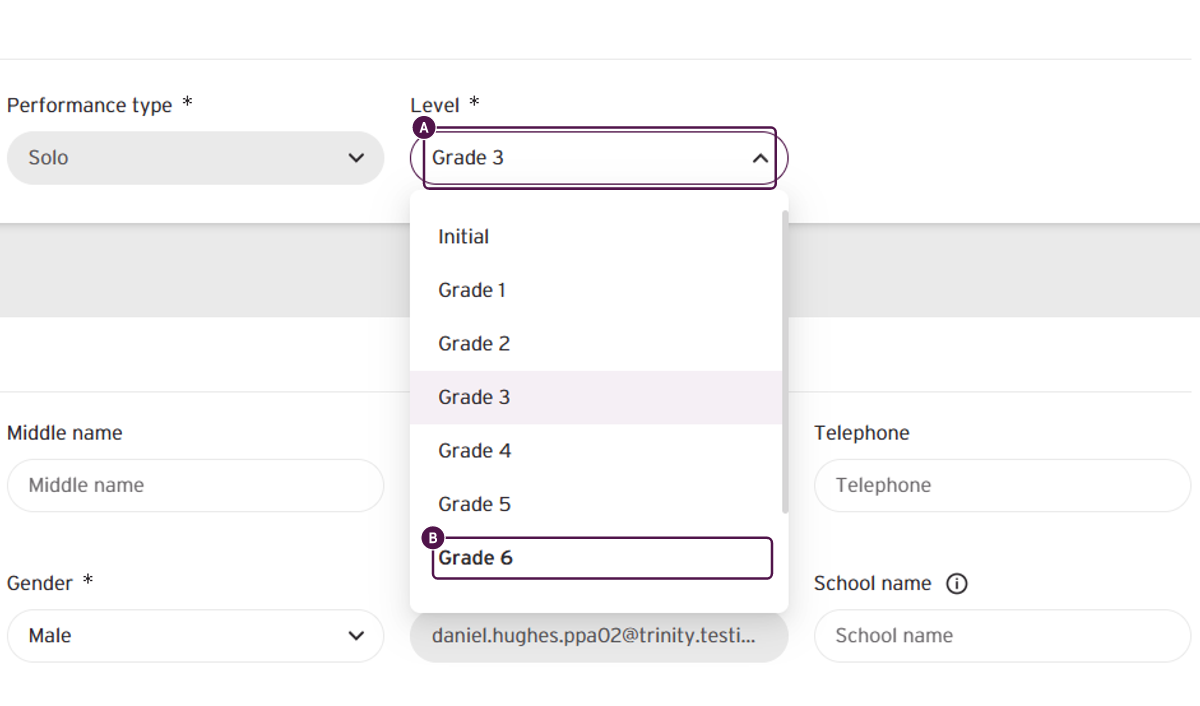
- Open the level list and select the required grade.
Warning: An exam-selection amendment can only be completed once against an enrolment. Check that you have selected the correct exam before continuing.
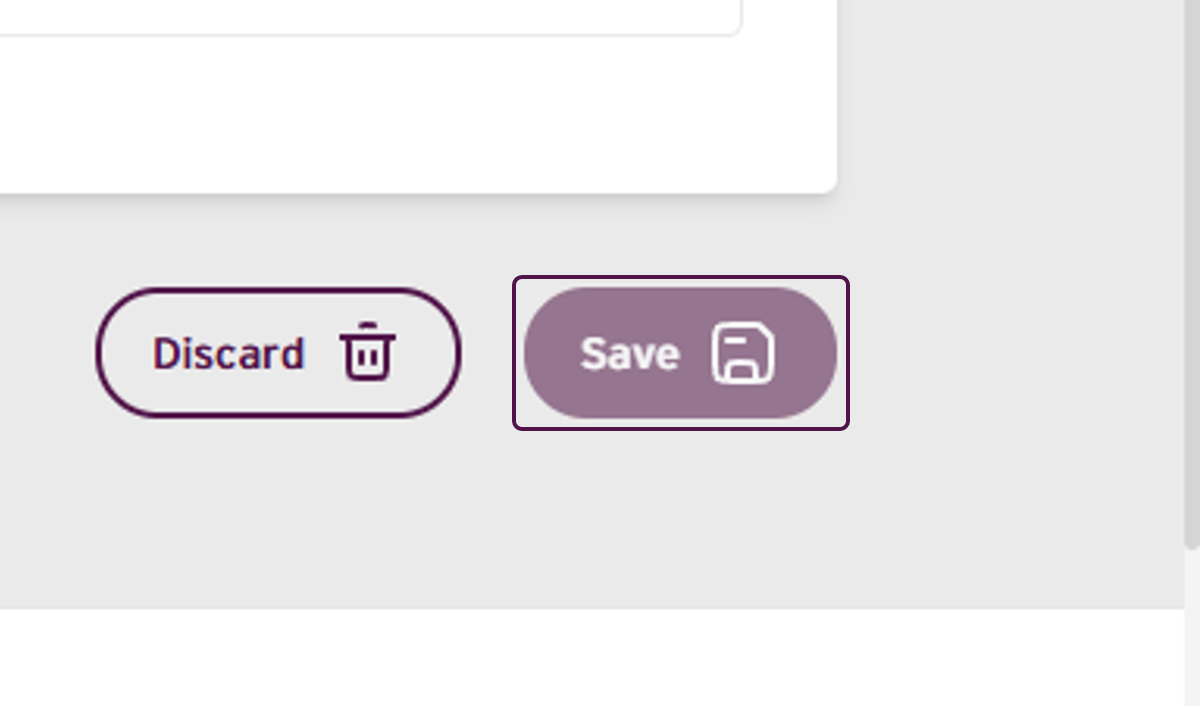
- Select Save to continue.
- Review the confirmation message, then select Confirm.
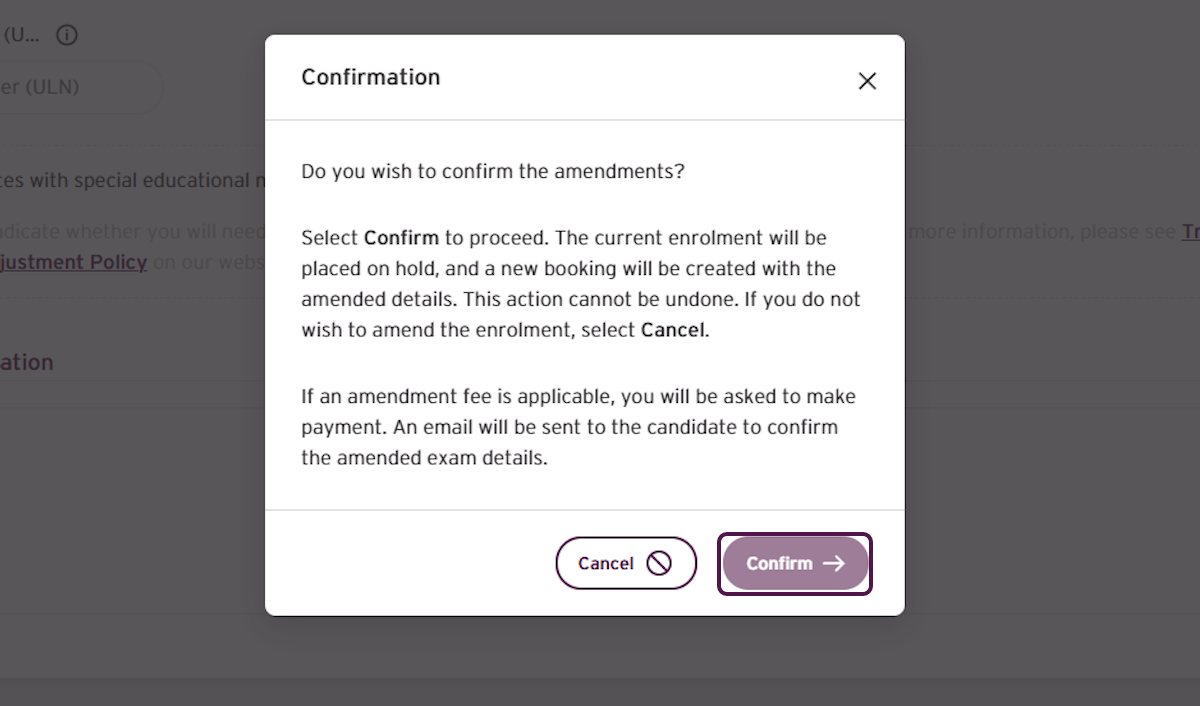
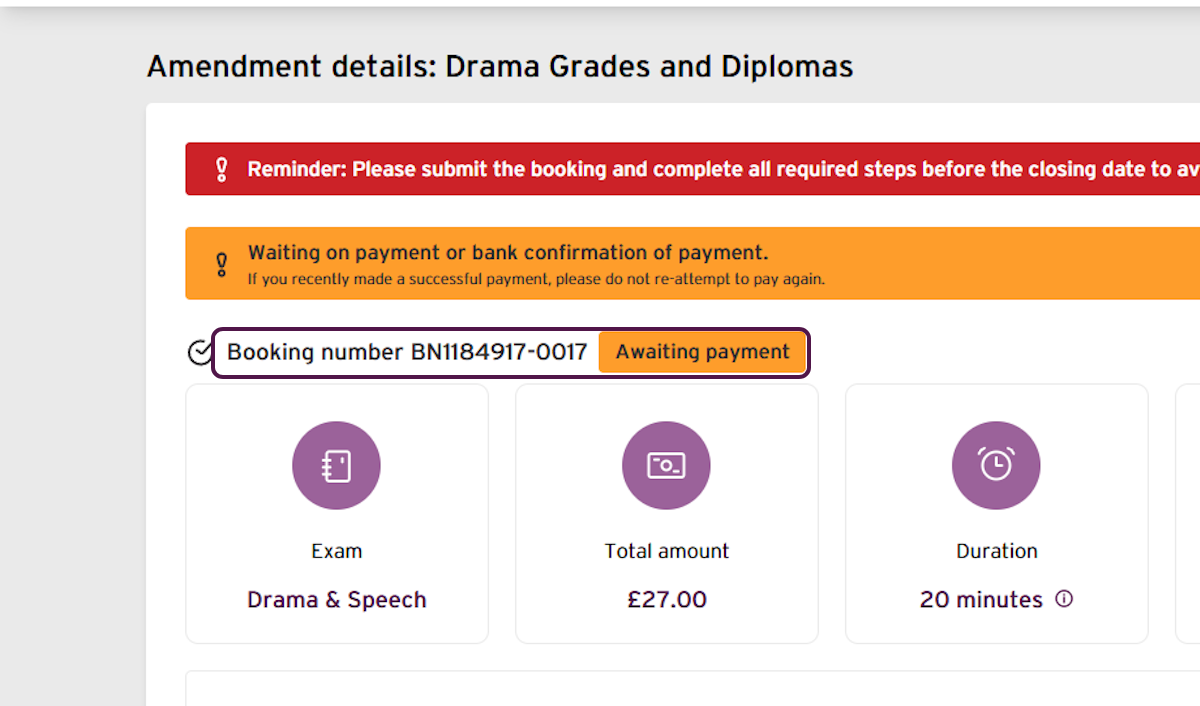
Important - The amendment is not complete yet. The replacement booking is Awaiting payment and the original enrolment is On hold until payment is successful.
- Confirm that a new booking has been created and its status is Awaiting payment.
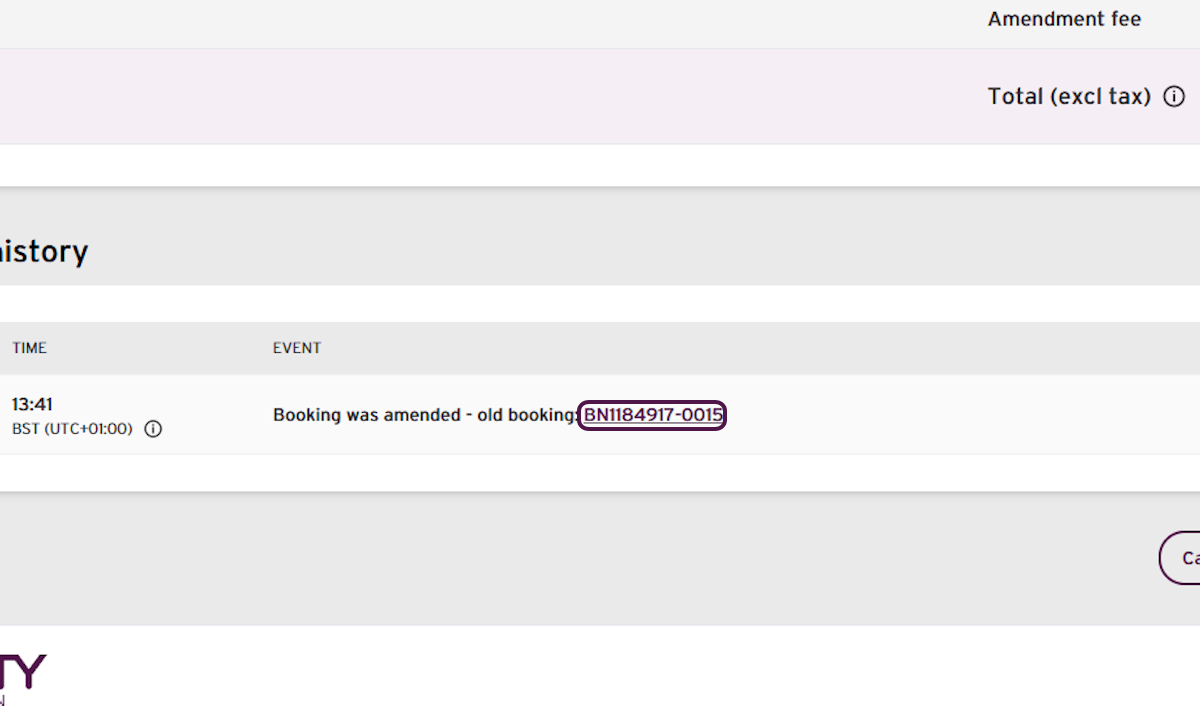
- Scroll down to the booking history and select the old booking number.
- Scroll down to the candidate's enrolment in the old booking and confirm that the original enrolment is On hold.
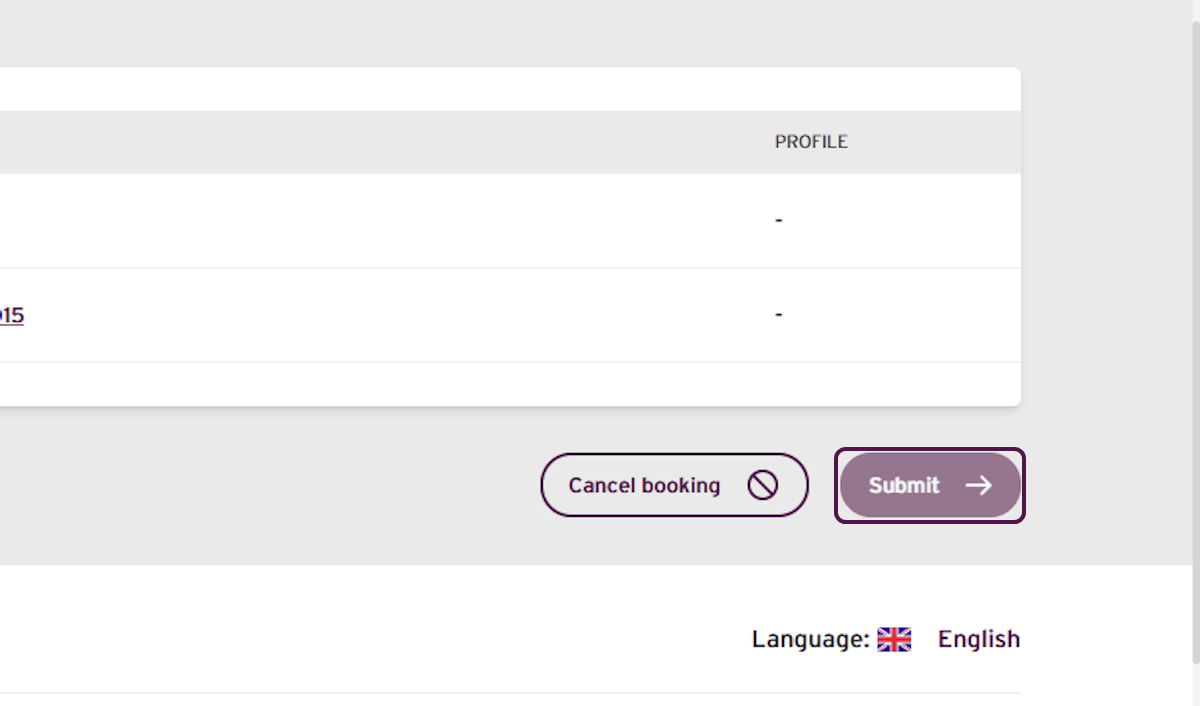
Return to the new, amended booking and select Submit.
Confirm that:
the summary shows the correct grade;
the additional charge for the increased level is correct; and
the amendment fee is shown.
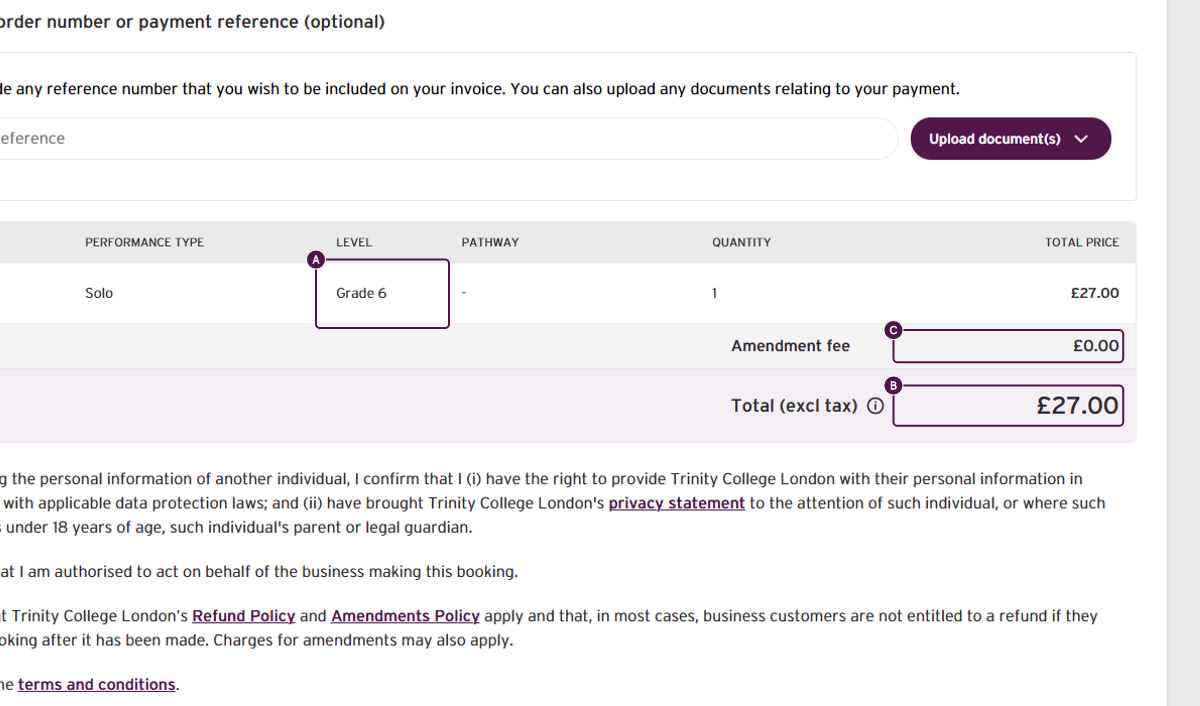
Important - The total shown is the additional amount due, not the full exam fee. The amount shown for your booking may be different.
- Read the declarations, select all checkboxes and agree to the terms and conditions.
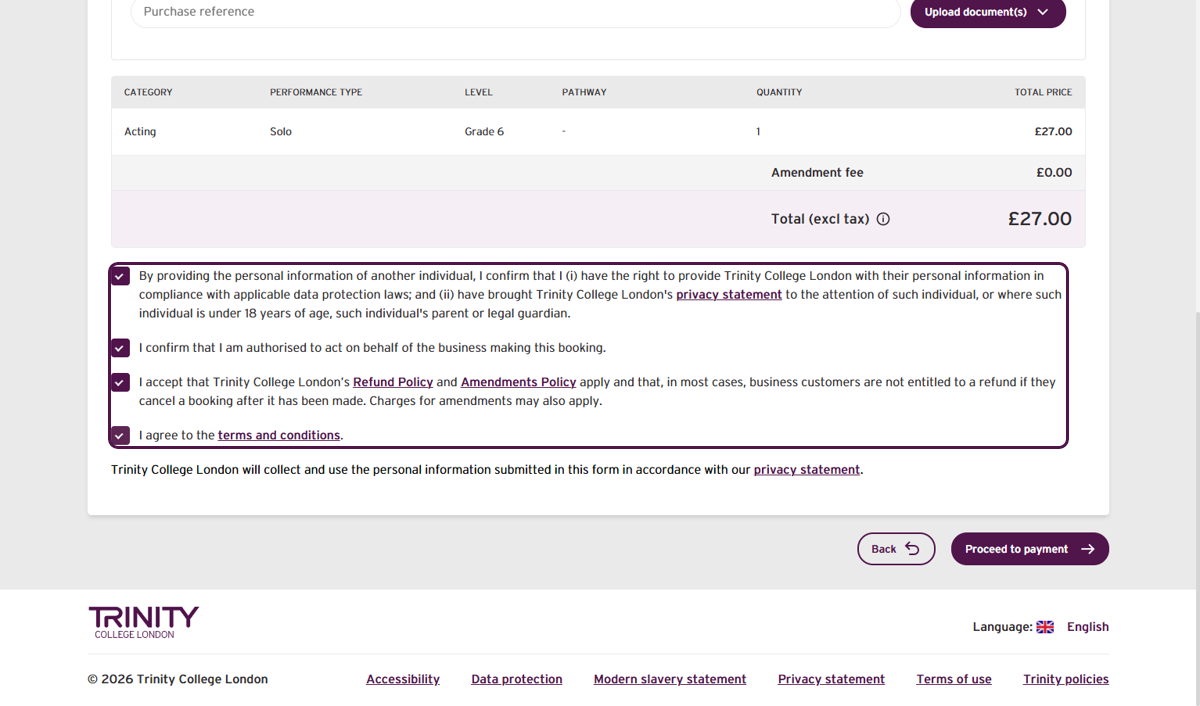
- Select Proceed to payment.
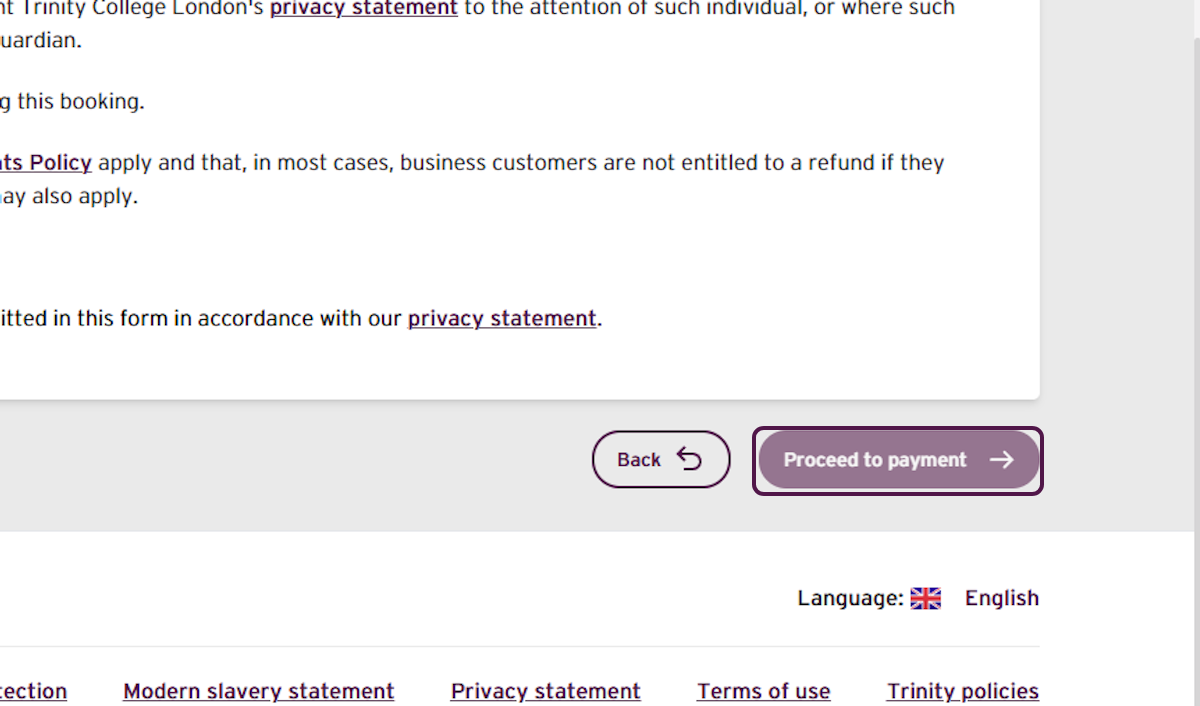
- Enter and review all payment details, then select Place order.
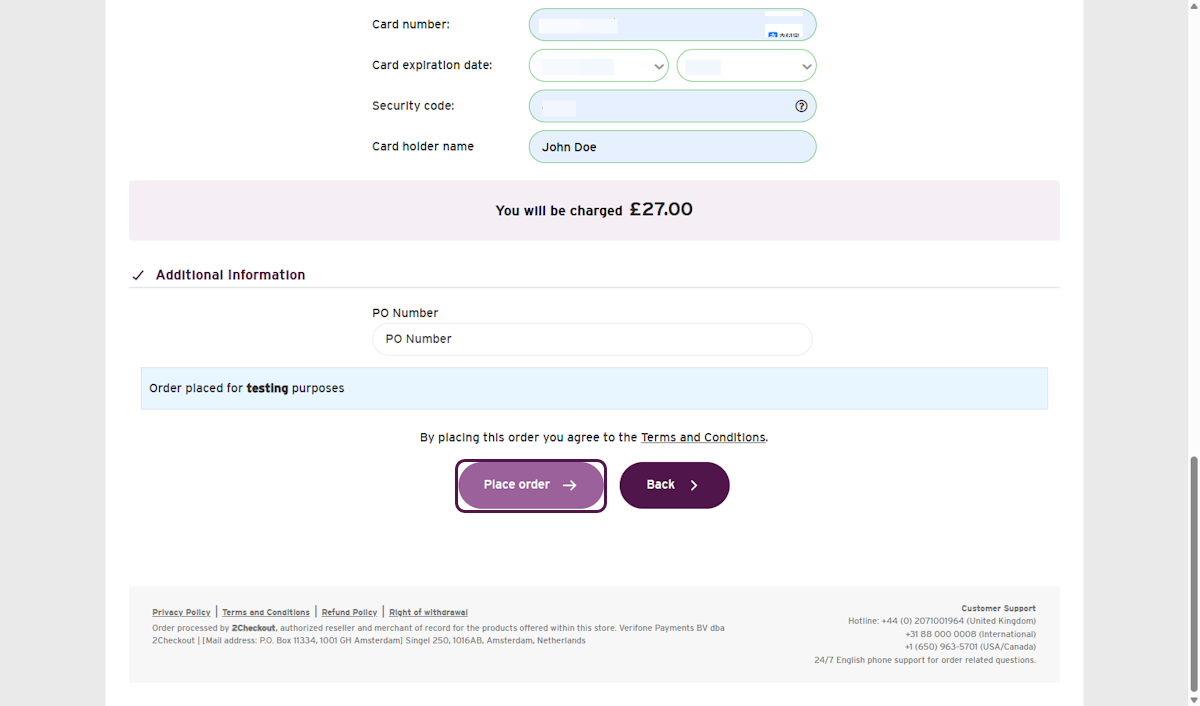
- Confirm that the order was successful, then select Finish.
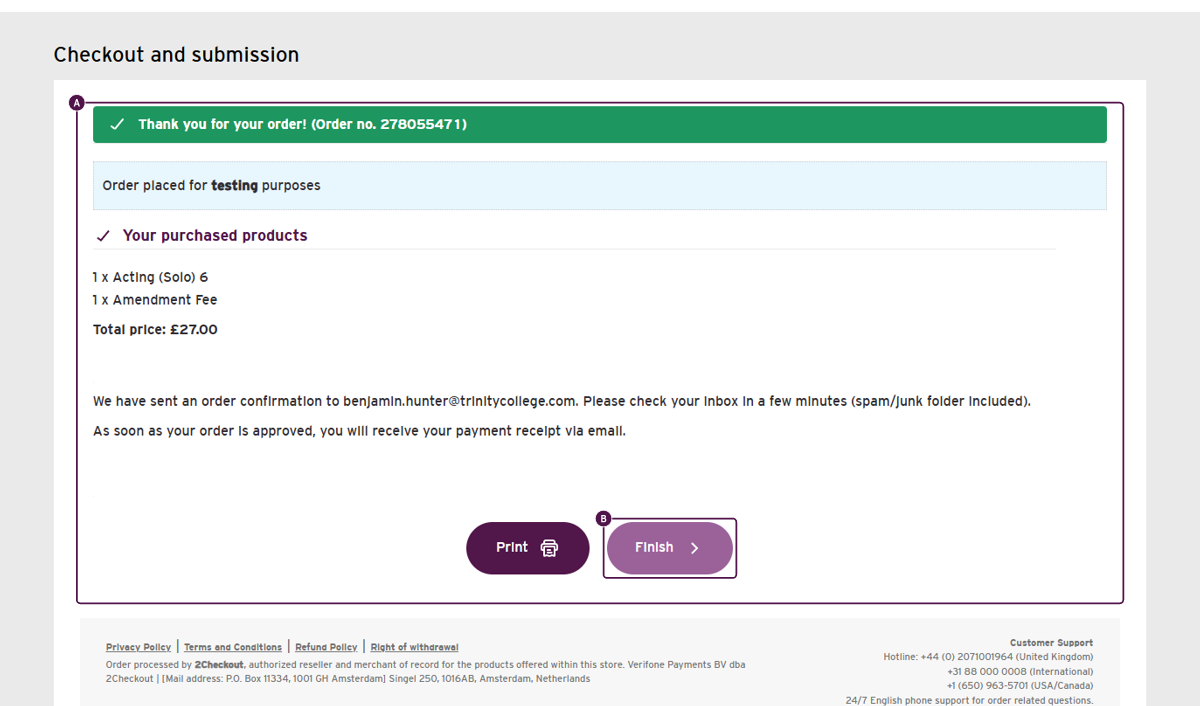
- Confirm that the original enrolment now shows Amended.
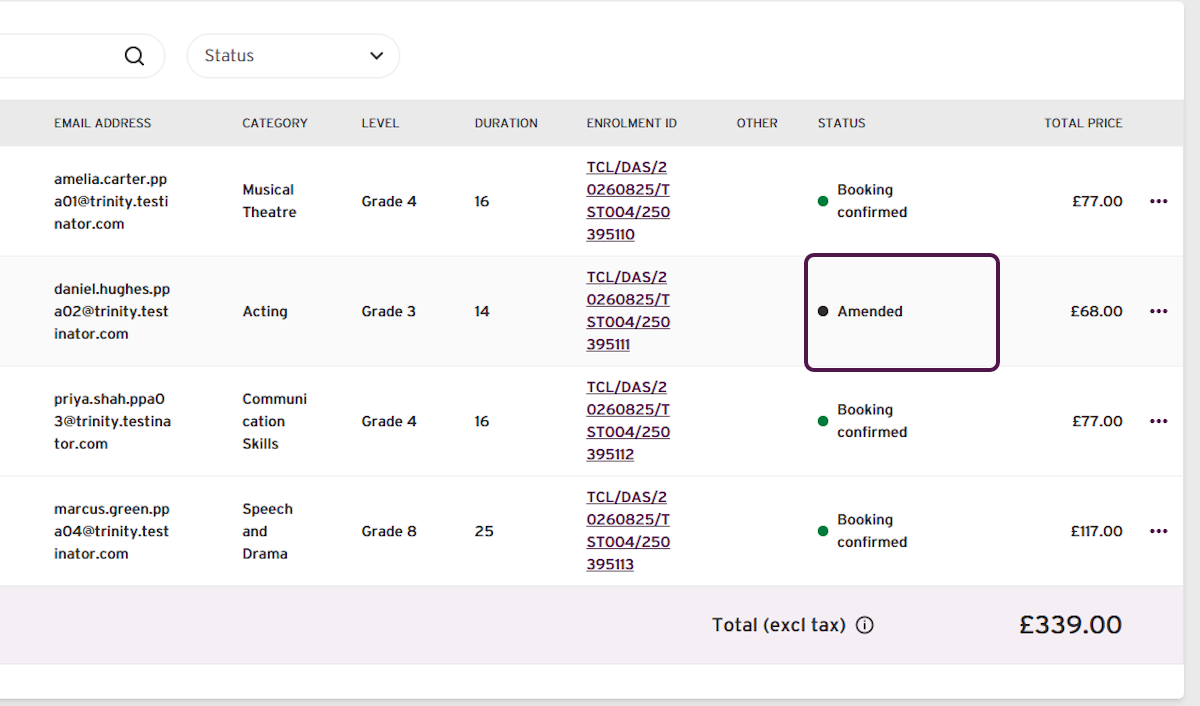
- Confirm that the new enrolment shows Booking confirmed.
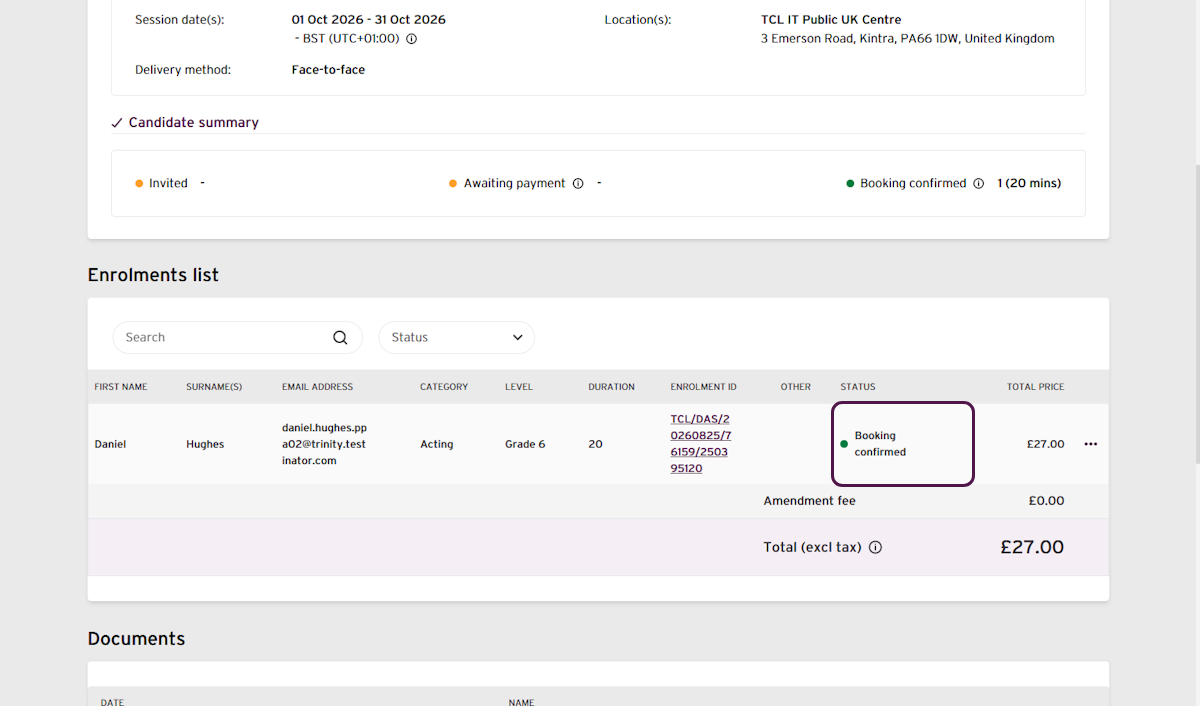
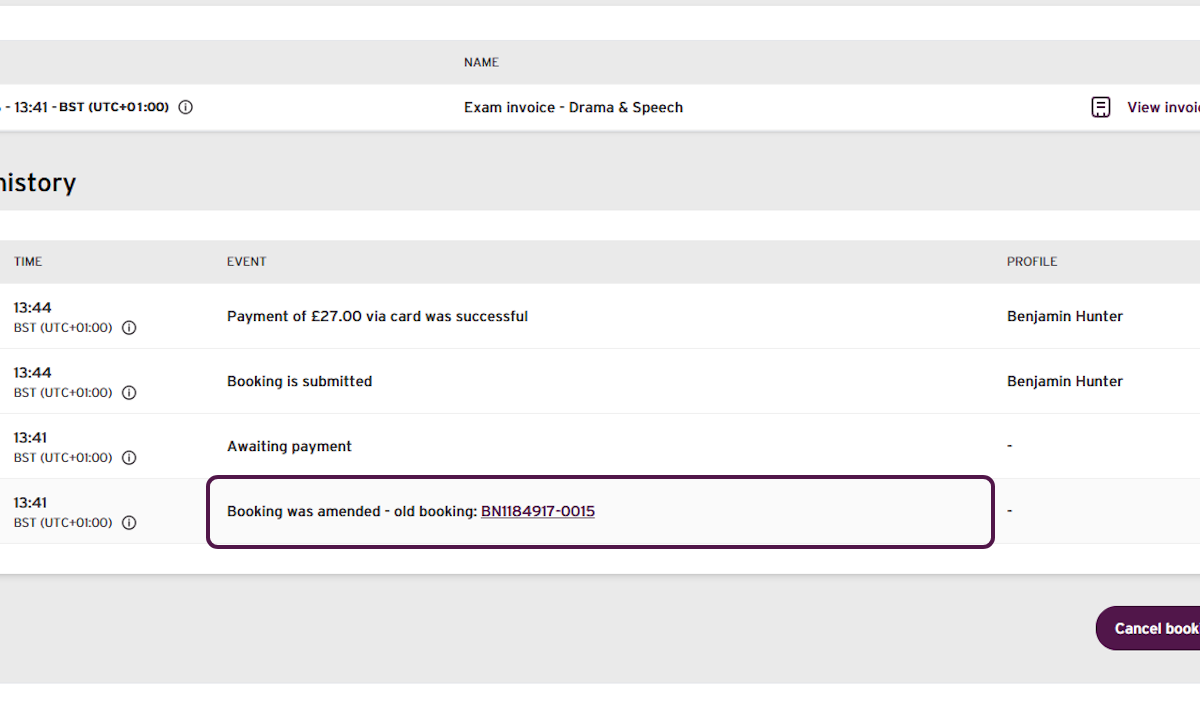
- Confirm that the booking history shows Booking was amended - old booking and links to the old booking.
Outcome
The original enrolment now shows Amended and the replacement enrolment shows Booking confirmed.
The candidate will receive an amendment confirmation email after payment. If they already confirmed the original exam, they do not need to confirm the replacement exam again.
If you have any concerns, or do not receive your confirmation email, contact your Trinity support for additional assistance.
Was this article helpful?
That’s Great!
Thank you for your feedback
Sorry! We couldn't be helpful
Thank you for your feedback
Feedback sent
We appreciate your effort and will try to fix the article