Use this process to cancel a replacement booking, after completing and paying for the amendment.
Steps
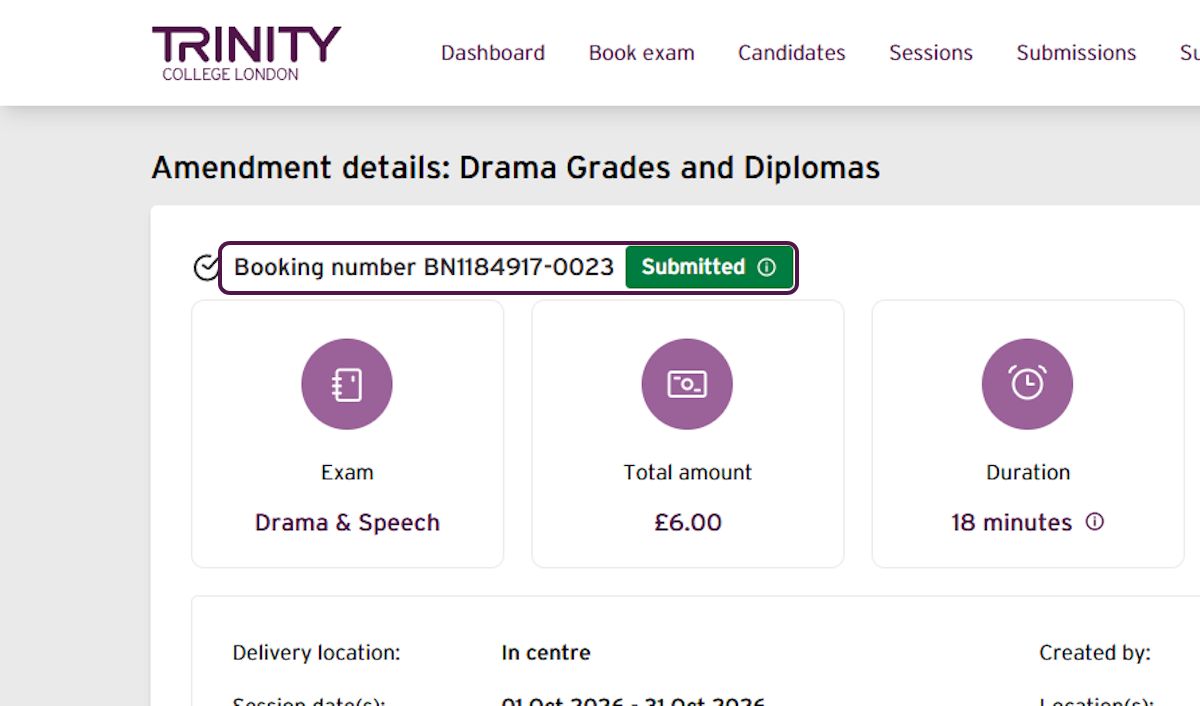
- Select the booking number for the paid amendment booking you want to cancel.
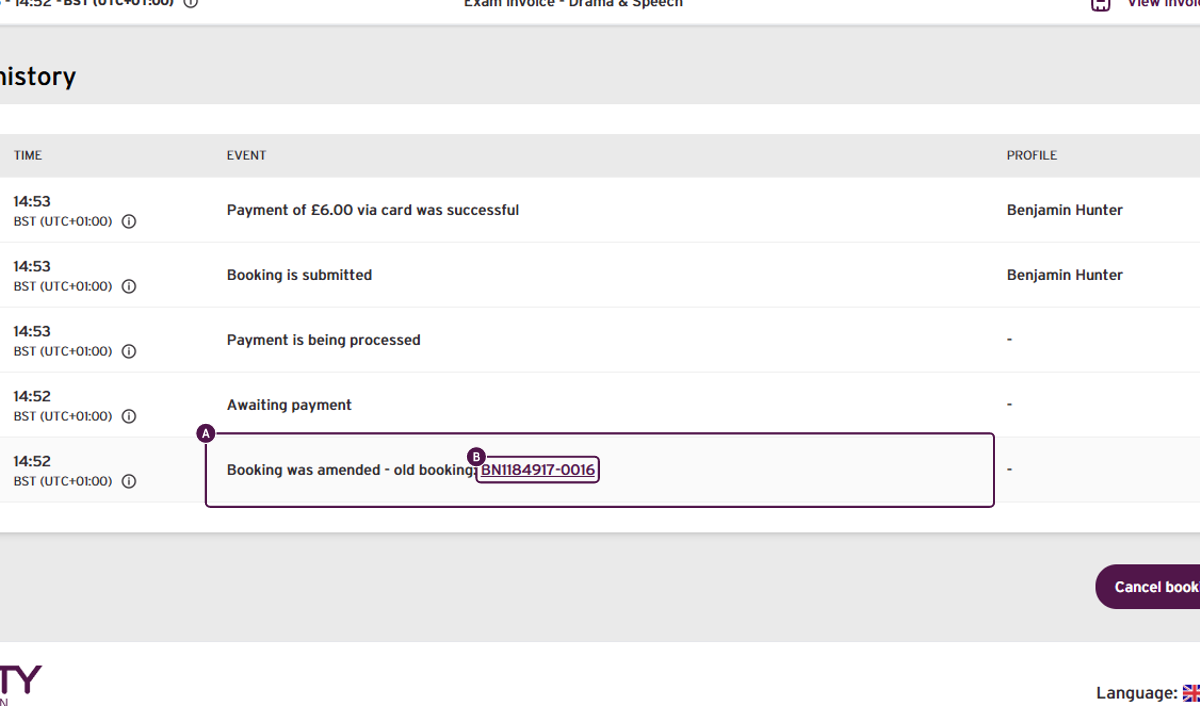
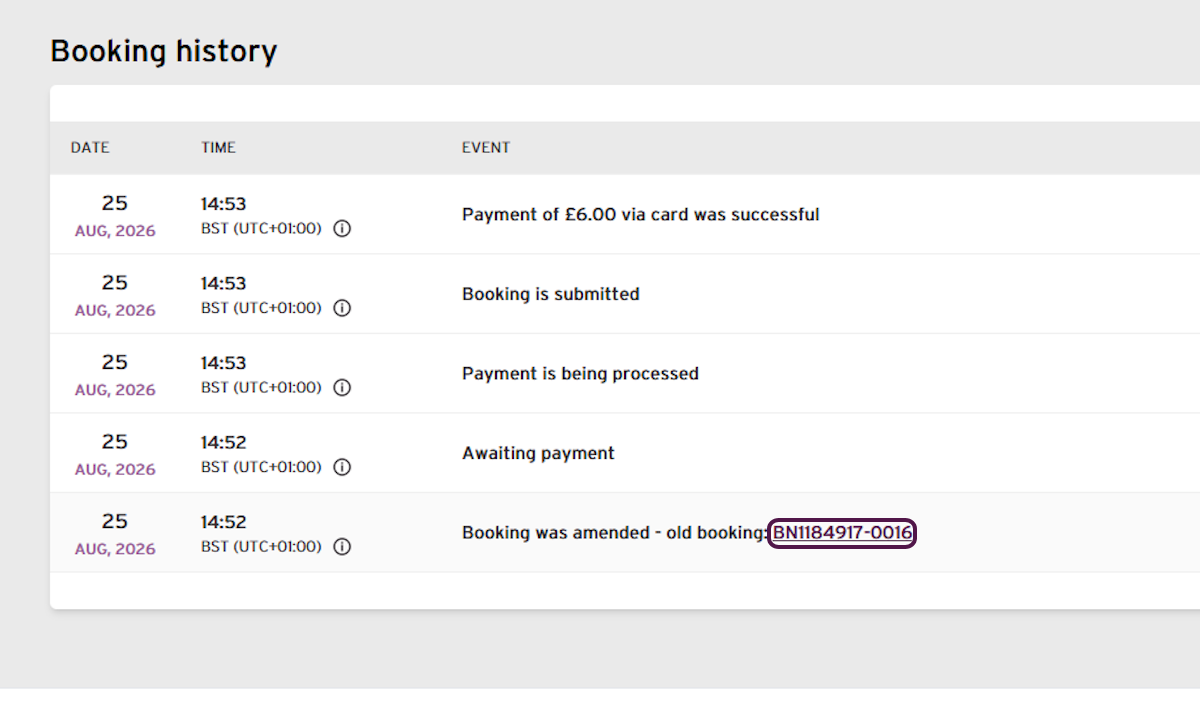
- In the booking history, locate "Booking was amended – old booking". Select the old booking number.
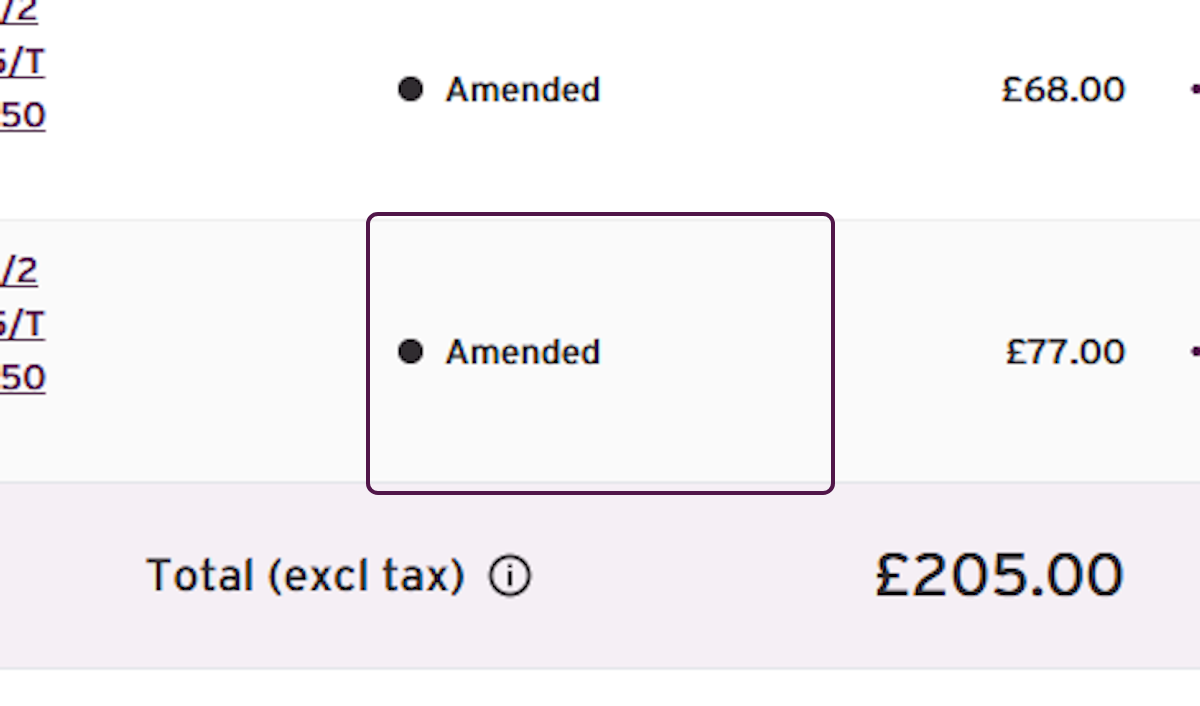
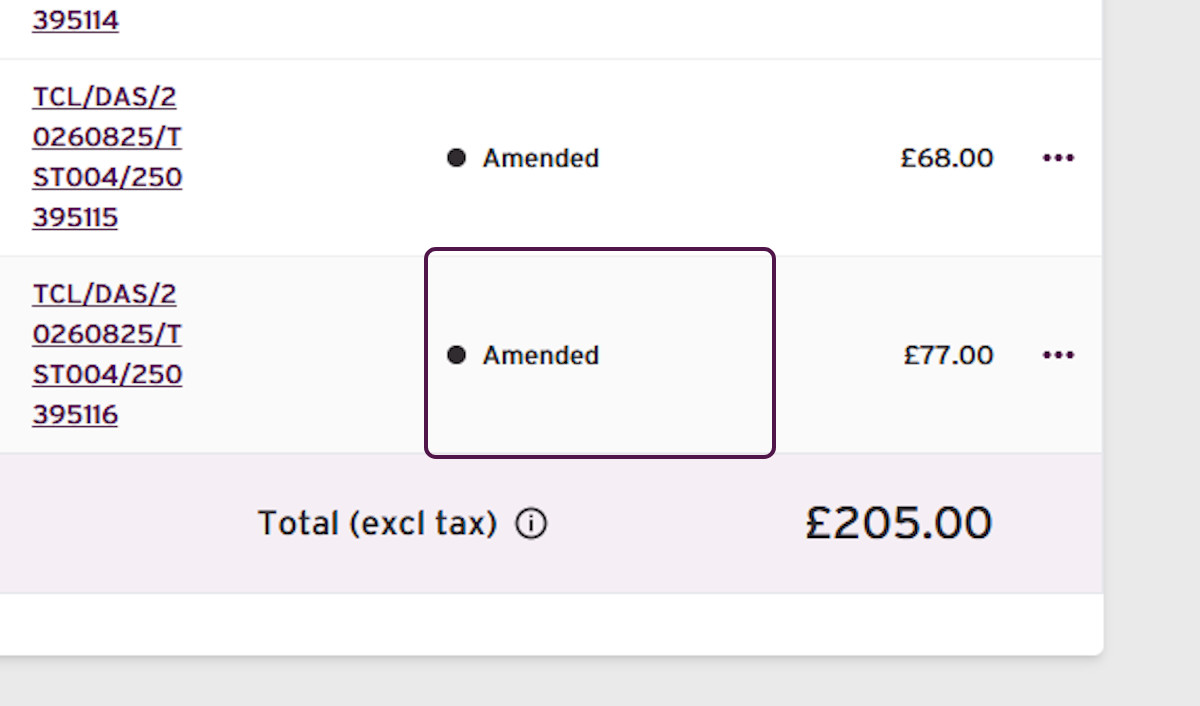
- Confirm that the original enrolment shows Amended.
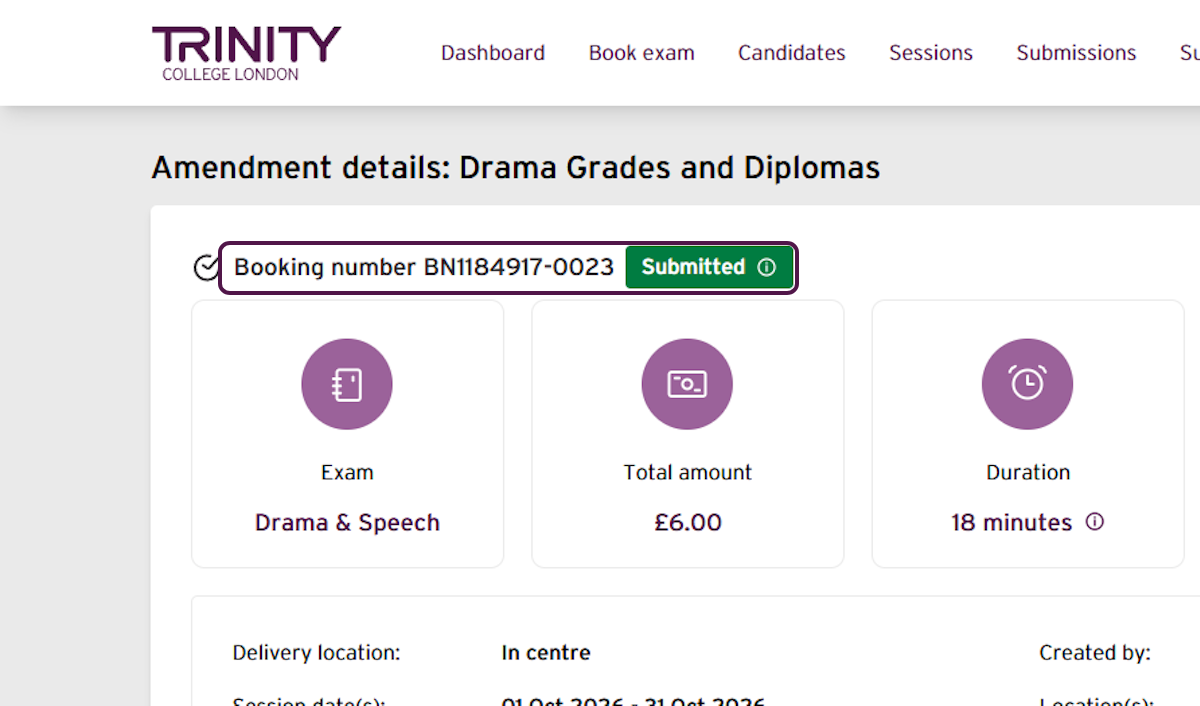
- Return to the paid amendment booking by selecting its booking number.
Warning: Cancelling a paid amendment is permanent. The replacement booking will be cancelled, the original enrolment will remain Amended, and no refund will be issued. Only continue if the replacement exam is no longer required.
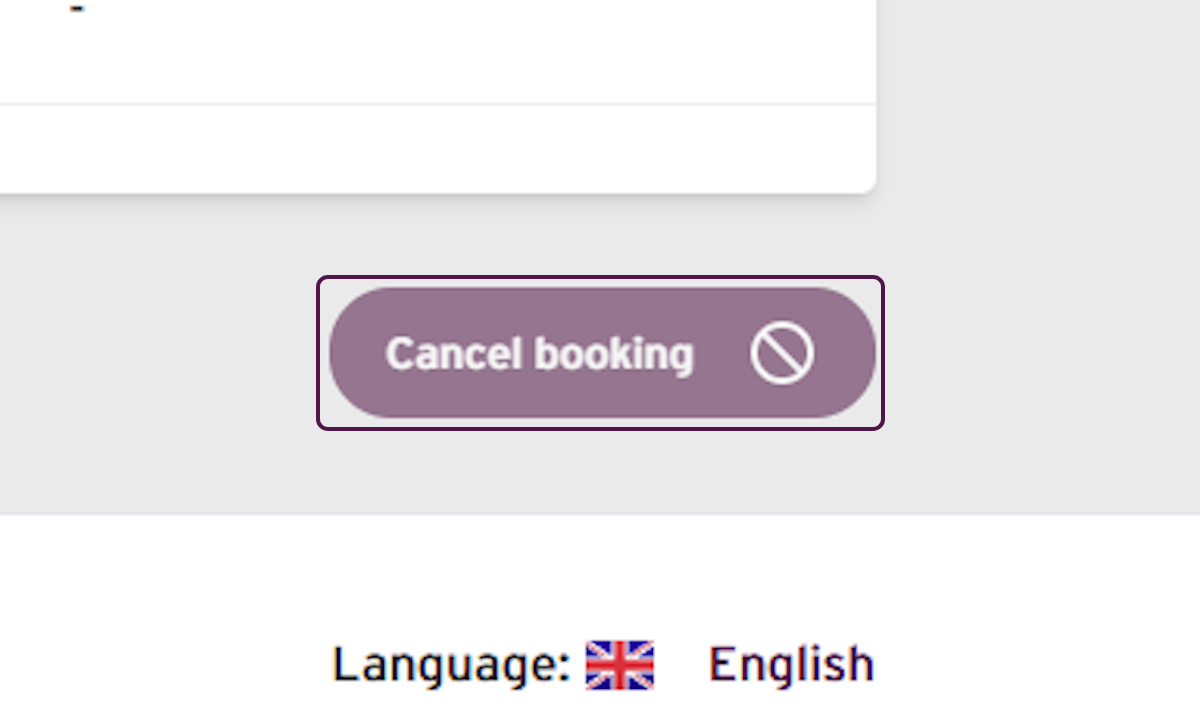
- Scroll to the bottom and select Cancel booking.
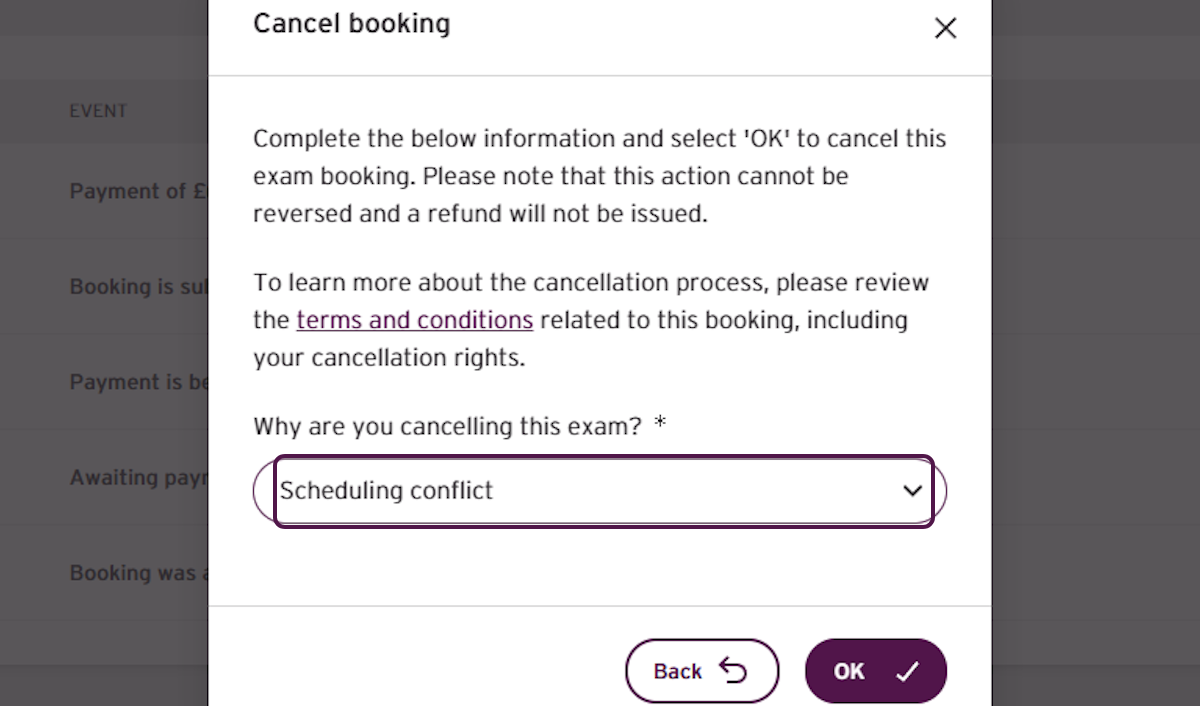
- Select the correct reason for cancelling.
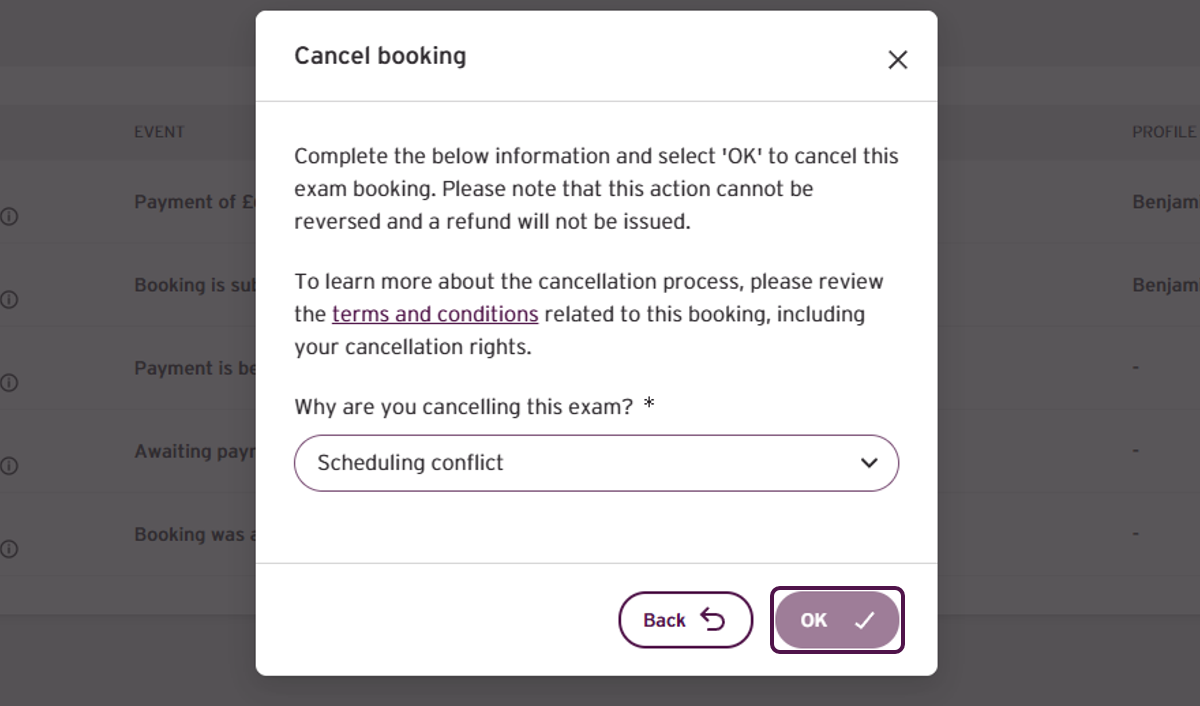
- Read the cancellation message carefully, then select OK.
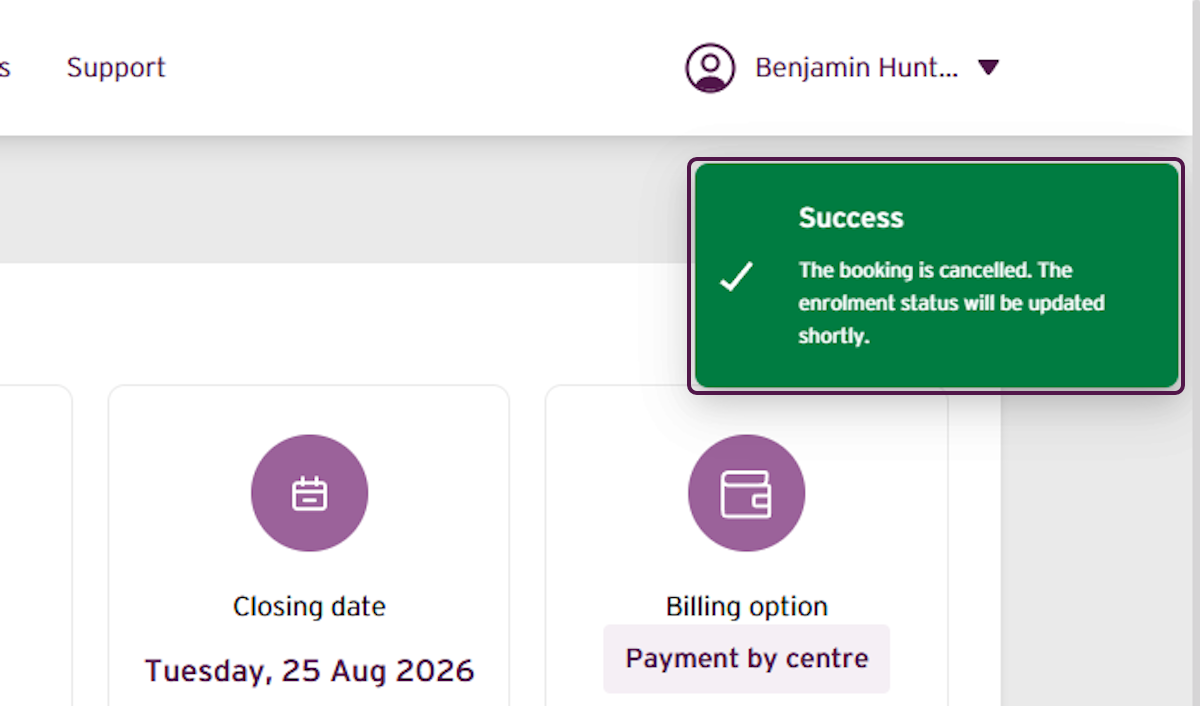
- Confirm that the success message says the booking has been cancelled.
Important: Cancelling the replacement booking does not restore the original enrolment. If the original exam is still required, contact Trinity for support.
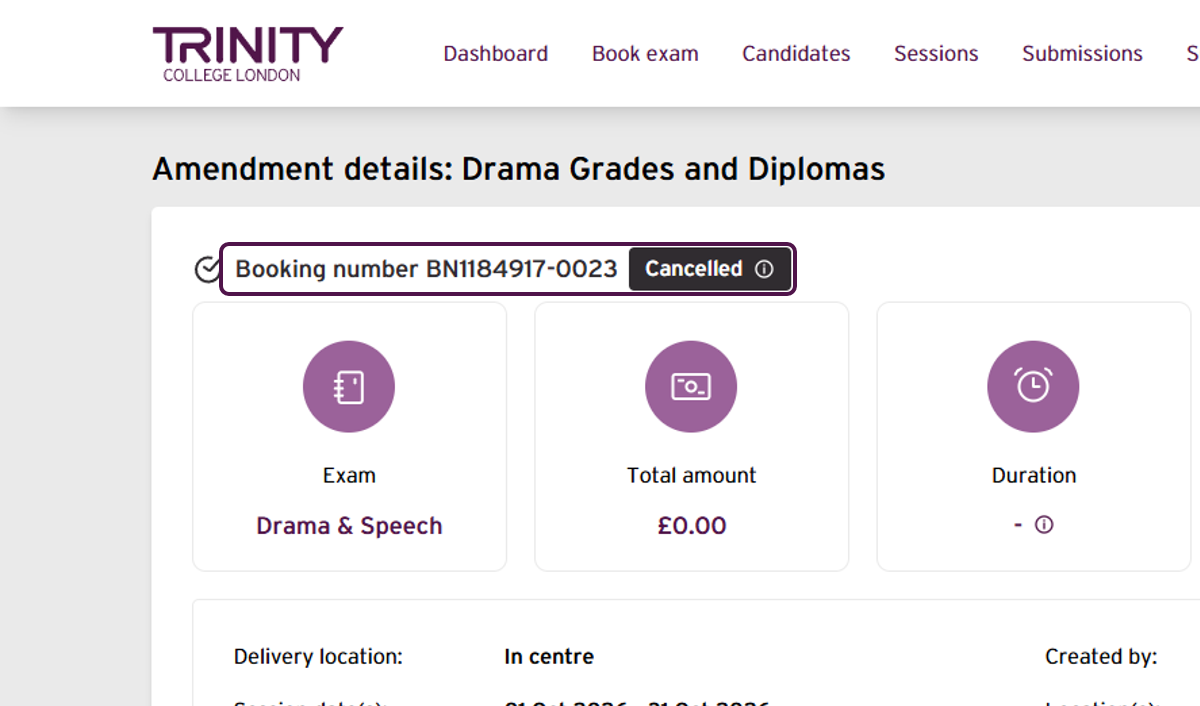
- Confirm that the amendment booking now shows Cancelled.
In the booking history, select the old booking number.
Confirm that the original enrolment still shows Amended.
Outcome
The paid replacement booking following the amendment now shows Cancelled. The original enrolment remains Amended and has not been restored. No refund has been issued.
If you have any concerns, or do not receive your confirmation email, contact your Trinity support for additional assistance.
Was this article helpful?
That’s Great!
Thank you for your feedback
Sorry! We couldn't be helpful
Thank you for your feedback
Feedback sent
We appreciate your effort and will try to fix the article